 InspectDev
Announcing InspectDev — Your All-in-One Browser Development Toolbox
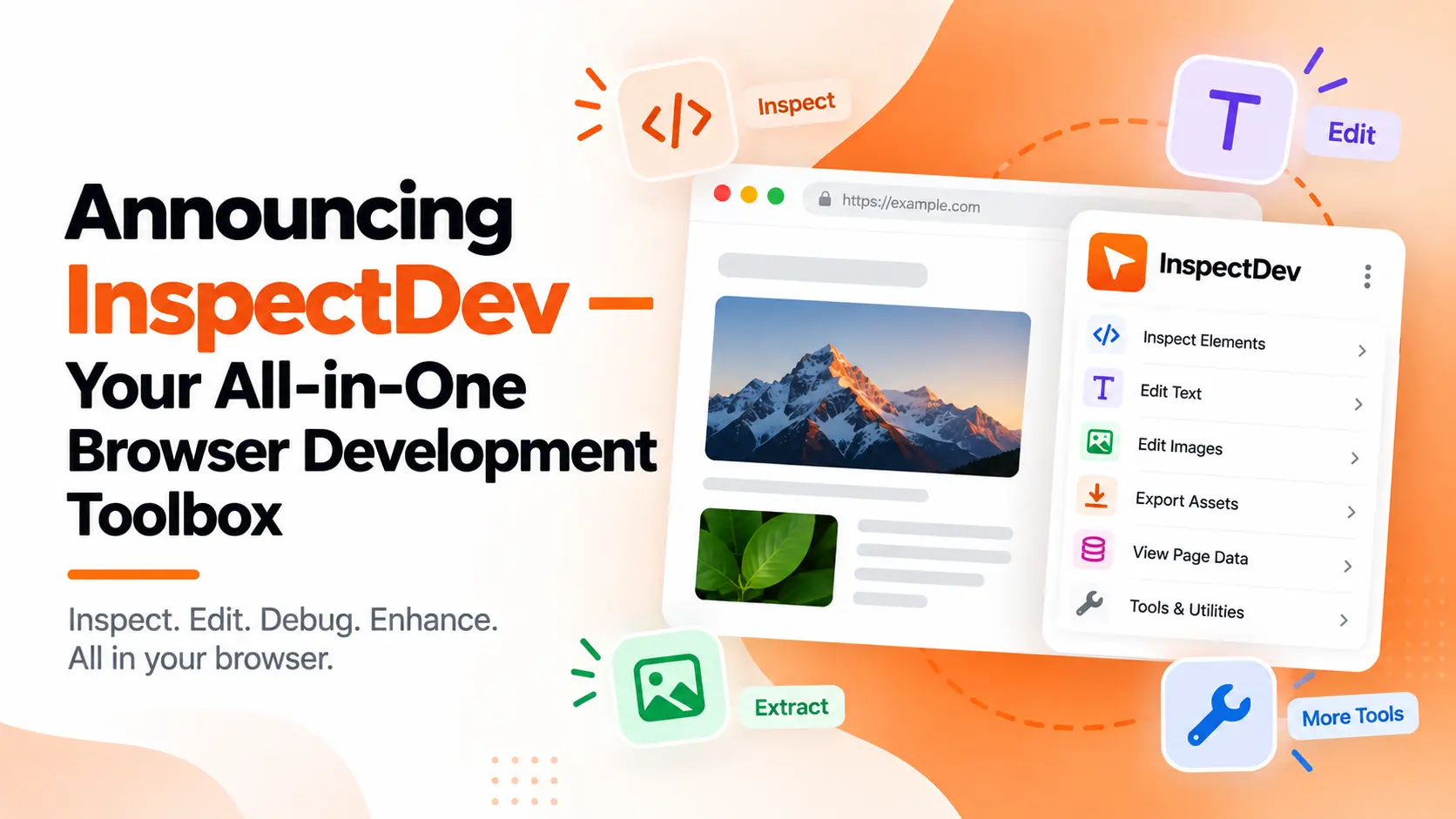
Every frontend developer has been there — a browser with a dozen extensions, each with its own icon, its own UI, its own permissions, and its own update schedule. A CSS inspector here, a color picker there, a screenshot tool, a cookie editor, a responsive tester. Over time, the browser toolbar fills up, and the real work gets buried under extension management.
I built InspectDev to solve that.
As a frontend developer myself, I wanted a single extension that could do everything I reach for during a day of building for the web — and do it with a consistent design, keyboard-friendly workflows, and no context-switching between half a dozen different tools.
Today I'm excited to share the result: InspectDev, a browser extension that bundles 22 developer utilities into one fast, polished tool with a unified toolbar and thoughtful defaults.
What's Inside
Here's every tool included in InspectDev, organized by the kind of work they help with.
Inspection & Debugging
CSS Inspector — Click any element to inspect its styles and edit CSS live. The cascade debugger shows exactly which rules are applying, where they come from, and what's being overridden — no DevTools tab-switching required.
Layout Tools — Visual overlays for flexbox, CSS Grid, and positioning. See axis direction, grid tracks, z-index stacking, and alignment at a glance without digging through computed styles.
Page Outliner — A collapsible tree of every heading, section, and landmark on the page. Spot skipped heading levels, missing semantic elements, or structural issues instantly. Click any node to jump directly to that element.
Page Ruler — Measure distances, margins, padding, and alignment between any two points on the page. The ruler snaps to element edges and borders, and alignment guides help you verify spacing across the layout.
Live Text Editor — Click any text on the page and edit it inline, like a rich text editor. Perfect for content reviews, copy iterations, and quick mockup tweaks without touching code.
Move / Delete — Reposition or remove any DOM element with direct manipulation. Drag elements to new positions or delete them — every change is recorded and fully undoable.
Design & Color Tools
Color Picker — A precision eyedropper that samples any pixel on the page. Copy values as hex, RGB, HSL, or OKLCH, and save colors to a session palette for later.
Color Palette — Scan the entire page to discover every colour in use — backgrounds, text, borders, gradients. Export your palette as CSS custom properties or a Tailwind-compatible config that's ready to drop into your project.
List All Fonts — A full typography audit that shows every font family, weight, and style on the page. For web fonts, it shows the source URL, format, and load status — plus which elements use each font.
Responsive Testing
Responsive Checker — A streamlined viewport tester that cycles through common device sizes, highlights overflow issues, and shows which CSS media queries are active at each breakpoint.
Data Extraction & Exporting
Web Scraper — Point and click to extract structured data from any webpage without writing code. Preview the output and export as CSV or JSON — ready for analysis, spreadsheets, or APIs.
Table Capture — Click any HTML table to export it as clean CSV or JSON. Automatically detects headers, row spans, and column spans — no more copying cell by cell.
Email Finder — Scans the page for every email address, including mailto: links and obfuscated patterns. Deduplicated, sorted, and ready to copy individually or as a full list.
Extract Images — Discover every image on the page — <img> tags, CSS backgrounds, SVGs, favicons, Open Graph images — and download them individually or as a zip archive.
Export Elements — Export any element as a clean, standalone HTML snippet with inline styles and attributes preserved. Perfect for saving design references or sharing markup with your team.
Page → Markdown — Extract the main content from any page and convert it to clean, GitHub-flavoured Markdown. Strips navigation, ads, and chrome — just the content, ready for notes, docs, or LLM prompts.
Storage & Cookies
Cookie Editor — A full cookie manager that shows every cookie set by the current domain. View, edit, add, and delete cookies — all from a sortable table with inline editing.
Local Storage Manager — Browse, edit, add, and delete localStorage, sessionStorage, and cookies — all in one tree view. Search by key name across all storage types.
SEO & Marketing
SEO Meta — Inspect every <meta> tag, Open Graph property, Twitter Card, and JSON-LD structured data on the page. Preview how your page appears in search results and social shares, and validate Schema.org markup.
UTM Builder — Build campaign URLs with correct UTM parameters. A clean form with live preview — set source, medium, campaign, term, and content, then copy the final URL with one click.
Accessibility
Accessibility — Run an on-page a11y audit that checks heading hierarchy, landmarks, alt text, ARIA attributes, colour contrast against WCAG AA/AAA, and keyboard focus order. Issues are grouped by severity, each with a link to the offending element and clear fix guidance.
Why a Single Extension?
The idea behind InspectDev is simple: you shouldn't have to manage a dozen extensions to do the work of one profession. When every tool shares a toolbar, a design language, and a permission model, the mental overhead drops. You install one extension, grant permissions once, and all 22 tools are available from a consistent panel.
It also means tools work together. Pick a colour with the eyedropper, save it to your palette, then inspect the element's CSS — all without switching between extensions.
What's Next
This is version one, and there's plenty more on the roadmap. I'm actively building toward features like persistent workspaces, team collaboration, and deeper integrations with design and development workflows.
I'd love to hear what you think. Try InspectDev, kick the tires, and follow @inspectdev on X for updates, deep dives into individual tools, and release notes.
— Kamal Hosen, Founder